Delivering a Design System for NI
Role
Project Type
How we got here
Following earlier the earlier , the company committed to building a design system to support our web products and incorporate the rebranded visual identity. The immediate need was aligning the applications within a new PaaS platform called Stratus, maintained by separate teams around the globe.
Responsibilities
As Product Owner, I led a team of 12 designers and developers. The short version: make the system better and get people to use it. More specifically, that meant maintaining the roadmap, collaborating with users to set priorities, evangelizing the system’s value to leadership, and driving adoption.
Approach
Four principles guided our team culture:
-
Transparency
All work, progress, and decisions were open and available for feedback.
-
Enablement over Governance
Adoption happens when using the system feels like the path of least resistance, not a mandate.
-
Proactive Awareness
Constantly look for new projects to introduce the system to. Teams respond well when you can show them it saves time and money.
-
Support and Collaboration…Listening
Keep an easy path open for questions, and always be listening for what users need next.
The System
As previously mentioned, ‘enablement’ is core part of our system and it’s purpose. As such, it took the lead in our mission statement.
Mission Statement
”Enable efficient creation of high-quality, consistent software for NI.”
Pieces of our system
-
UI Components
Code components for Angular, Blazor, and native web frameworks, supporting teams using React, Vue, Svelte, and others.
-
Design Tokens
Primitive tokens available for custom components or configurations beyond what’s built into the core components.
-
Theme Provider
Handles light/dark mode and adapts to OS-level accessibility settings including UI scaling, contrast modes, and motion preferences.
-
Design Assets
Component libraries for Adobe XD and Figma, ready for designers to drop directly into their workflow.
-
Documentation
Guidelines covering what the system provides, how to implement it, and when to use each part. -
Tools and Utilities
Automated visual diffing, token generation, linting, and code scanning tools to measure adoption and surface new needs.
Some Key Contributions
Moving to open source
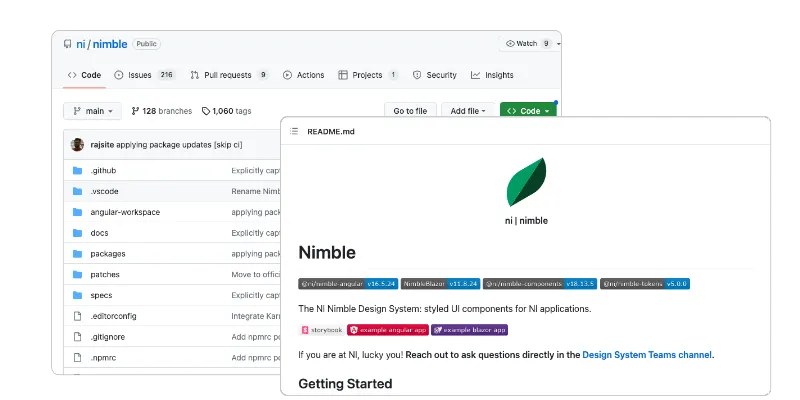 I pushed to host the system in a public repository, removing account setup and permissions barriers internally while also making it accessible to our broader user community.
Pitch Decks and Onboarding Materials
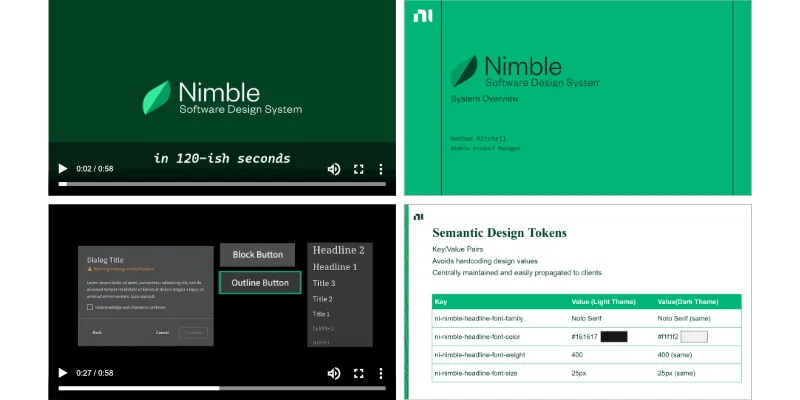 I created videos and slide decks to get teams up to speed quickly on what the system is, what it offers, and how to use it.
Evangelism Content
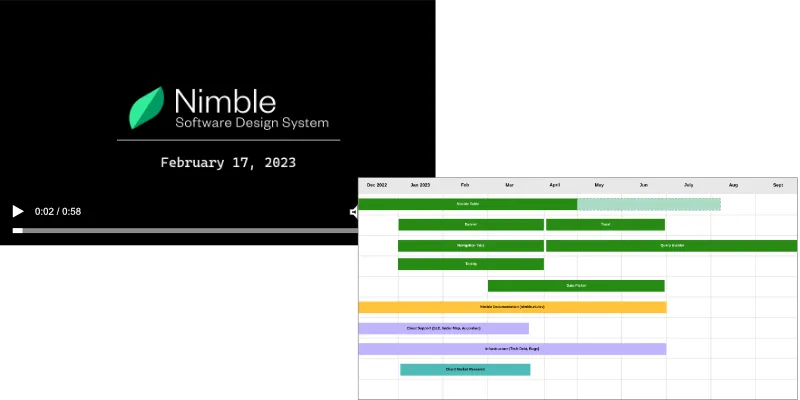 I produced targeted updates for senior leadership and short-form video for the wider organization to consistently communicate progress and value.