LabVIEW Palette
Role
Project Type
Introduction
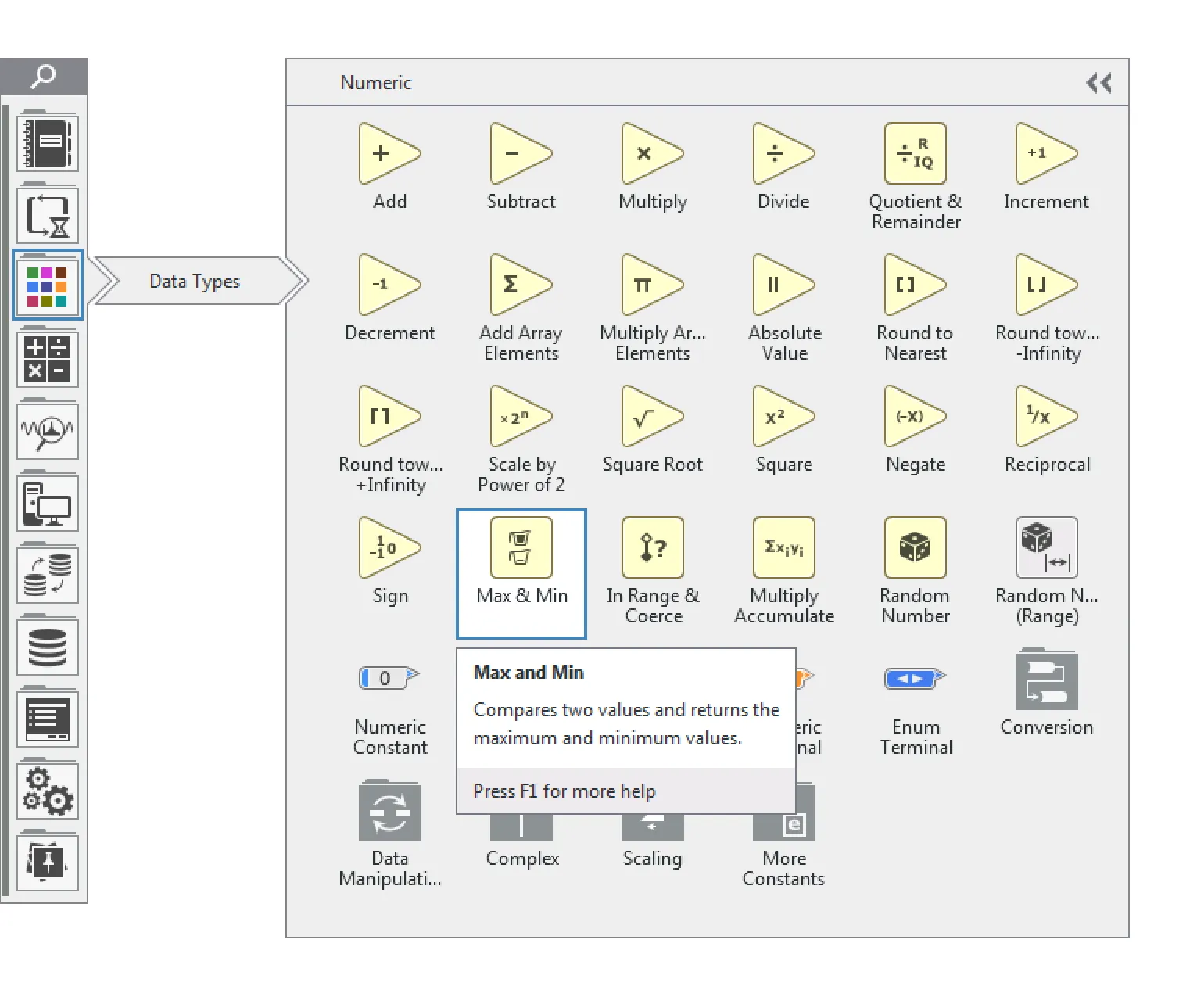
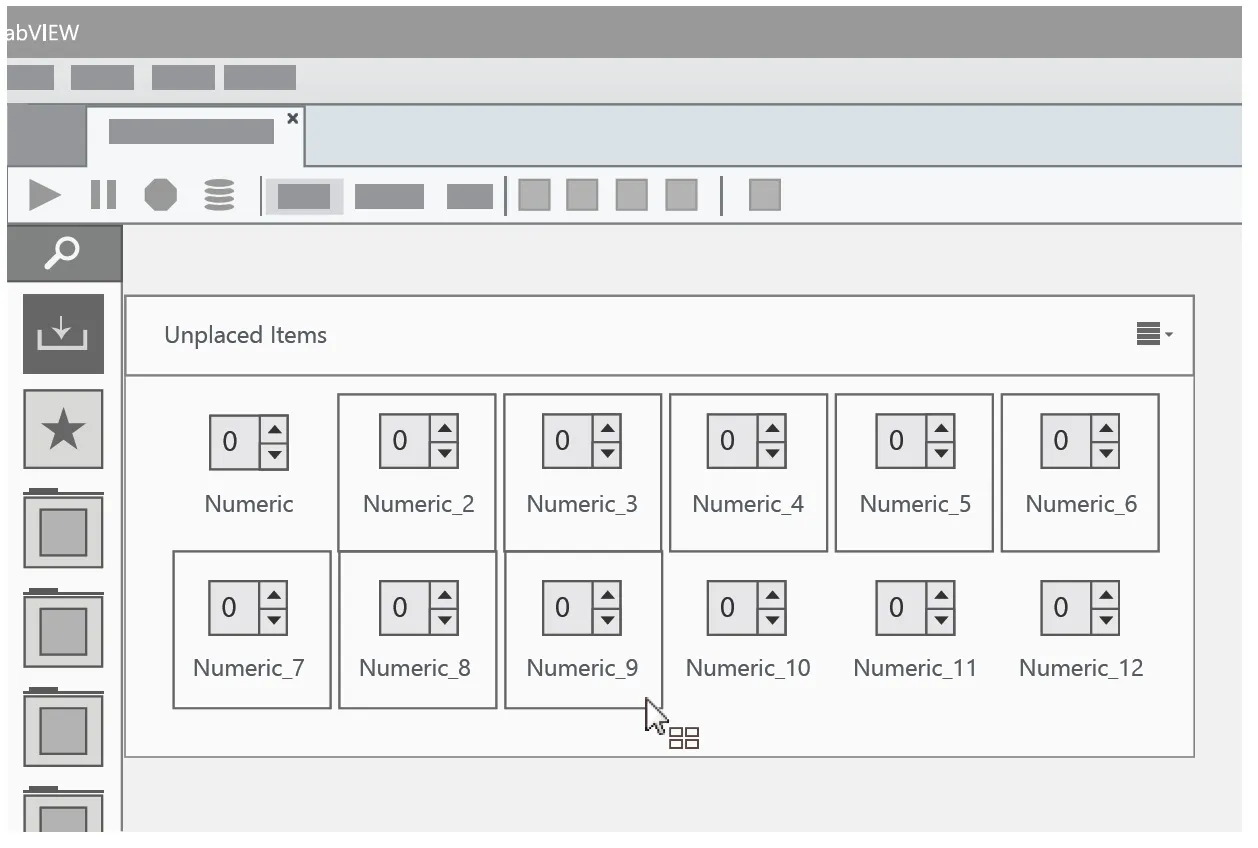
The Palette is the most frequently used feature in LabVIEW, NI’s primary software product. When I joined NI, LabVIEW was being rebuilt from the ground up, and I took the lead on a complete redesign of the Palette.
A Little Background
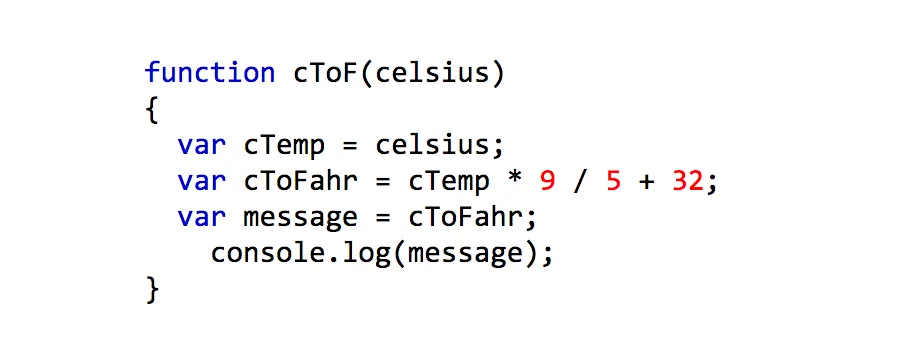
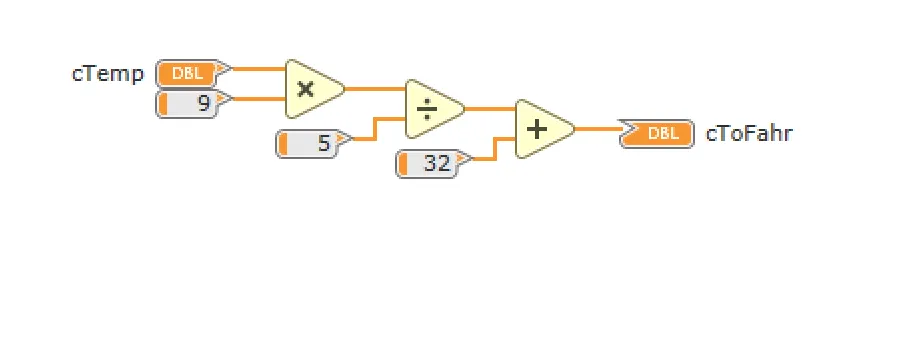
LabVIEW is an integrated development environment (IDE) where code is built using visual nodes rather than typed text. The language contains over 4,000 symbols, all of which need to be accessible, browseable, and organized within the UI. That is the Palette’s core job, and it requires robust navigation and a clear sense of order to work well.
Example code for converting Celsius to Fahrenheit
Javascript code example
LabVIEW code example
Not the First to Try This
Previous attempts to redesign the Palette, by both designers and engineers, had stalled due to internal resistance. The original Palette had 25 years of history behind it. Legacy users had developed strong muscle memory, and any departure from familiar patterns lost momentum quickly.
When I took it on, I introduced three principles to move it forward:
-
Don’t try to do this by yourself
-
Design it for the user
-
Communicate early and often
Don’t Try to Do This by Yourself
Rather than pushing a design through alone, I ran a focused brainstorming session with the full design team and a handful of subject matter experts. We used design-thinking exercises like anti-problem thinking and metaphor-based design to generate a wide range of ideas quickly. The results were rough, but the process gave everyone a voice and built internal momentum from the start.
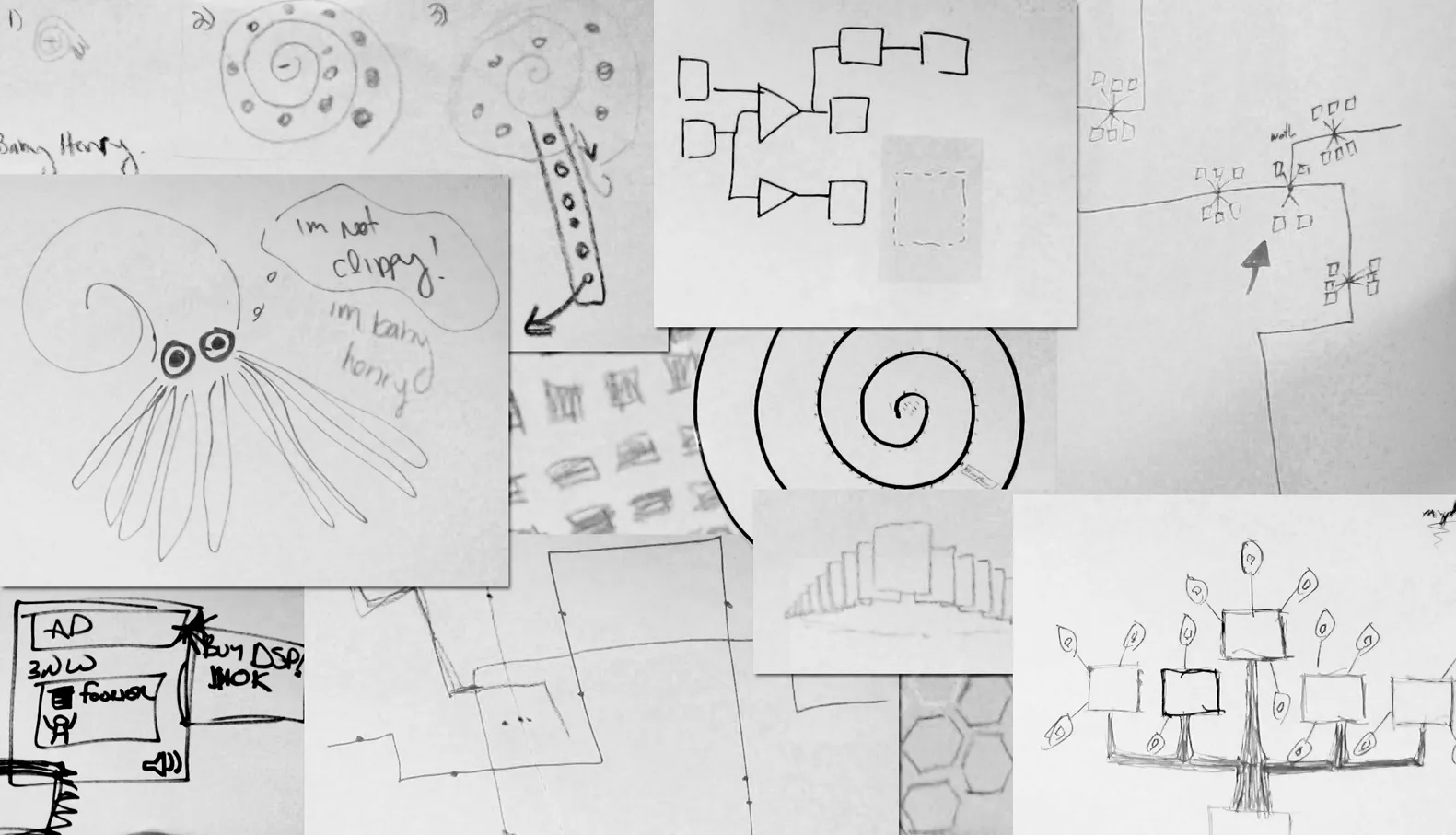
Some of the glorious artwork we created in that small amount of time. We had palettes inspired by nautilus shells, trees, subway maps, honeycombs and everything in between.
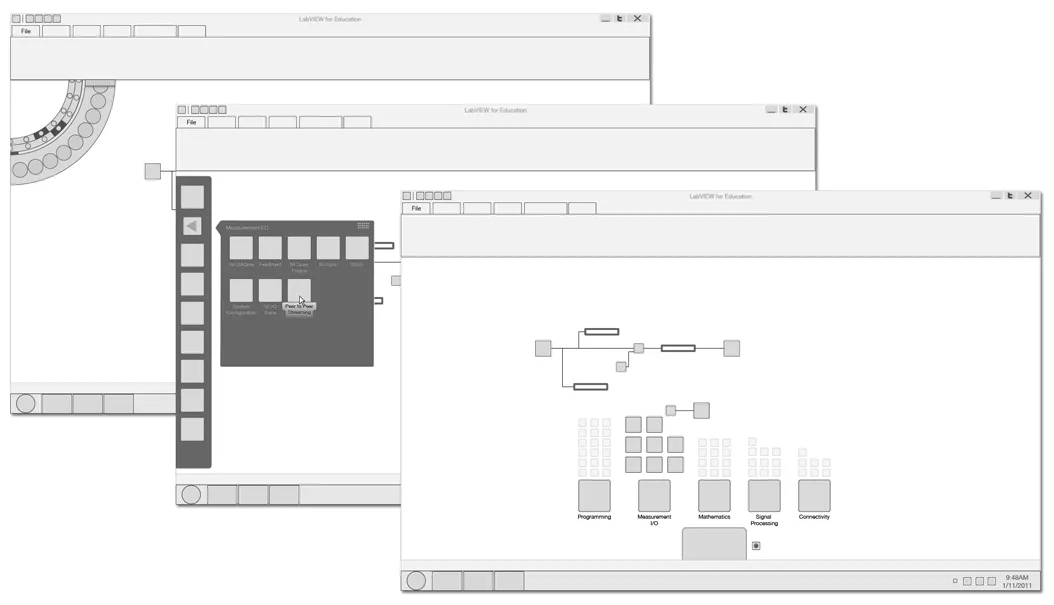 From those initial drawings, I refined the ideas into tangible UI concepts for organizing, way-finding and navigating a larger set of content in context.
Communicate Early and Often
Given the Palette’s visibility, designing in isolation was never an option. I shared work at every stage, posted drafts before they were polished, and covered my workspace with sketches anyone could react to. As the design took shape, I organized a town hall for Austin R&D staff, drawing around 40 attendees. It opened a direct channel for feedback and let us clearly communicate both short and long-term strategy. I also established an annual survey, distributed internally and externally, to benchmark progress and maintain a consistent feedback loop.
Design It for Our Users
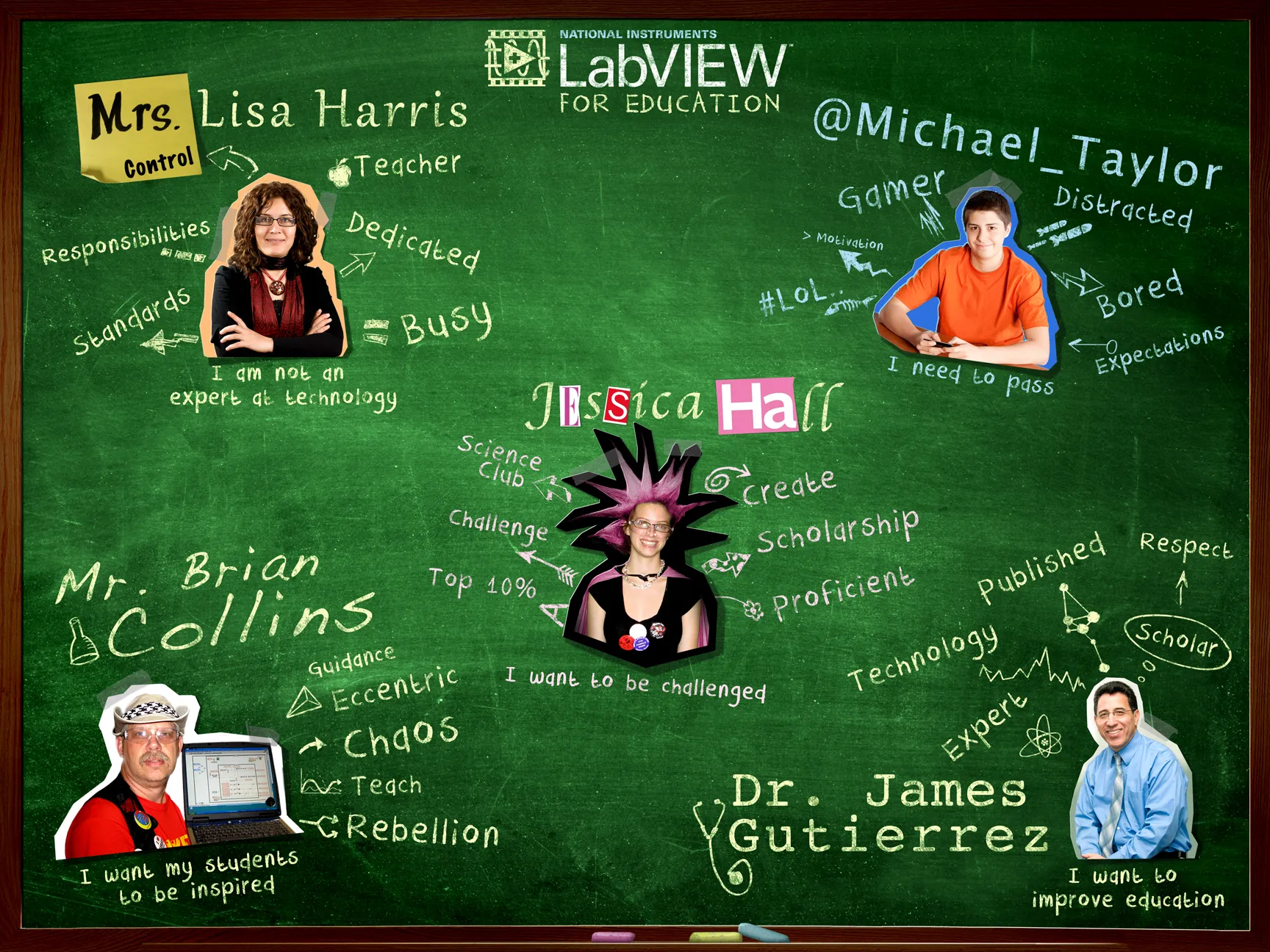
Early on I noticed a tendency in the company to design based on personal expectations rather than user needs. My response was to lead a persona development process for the product. With the target market being secondary education, our primary users were a science teacher new to the product and a student just trying to get through class. Having these personas shifted conversations from “what would I expect?” to “what would Mrs. Harris expect?” The product and marketing teams helped refine and prioritize these personas for the first release.
The Story Continues
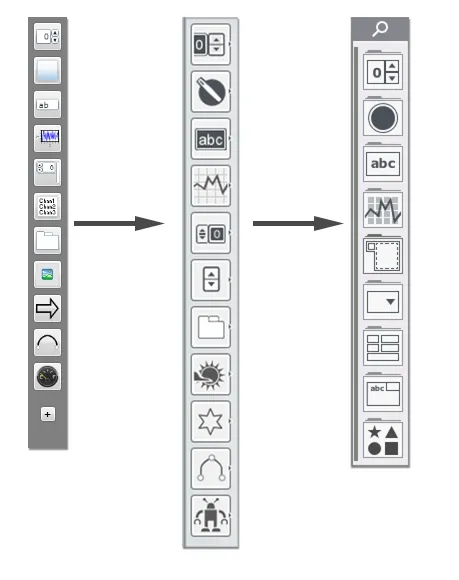
The Palette was never truly done. For smaller features I worked within a tight stakeholder group, while larger efforts, like the next large version, “Palette 2.0”, I return to the same approach: broad idea generation, user-centered design, and full transparency. The result has been one of the most stable and successful parts of a product that is otherwise constantly evolving, and its design process has become a template for other major features.
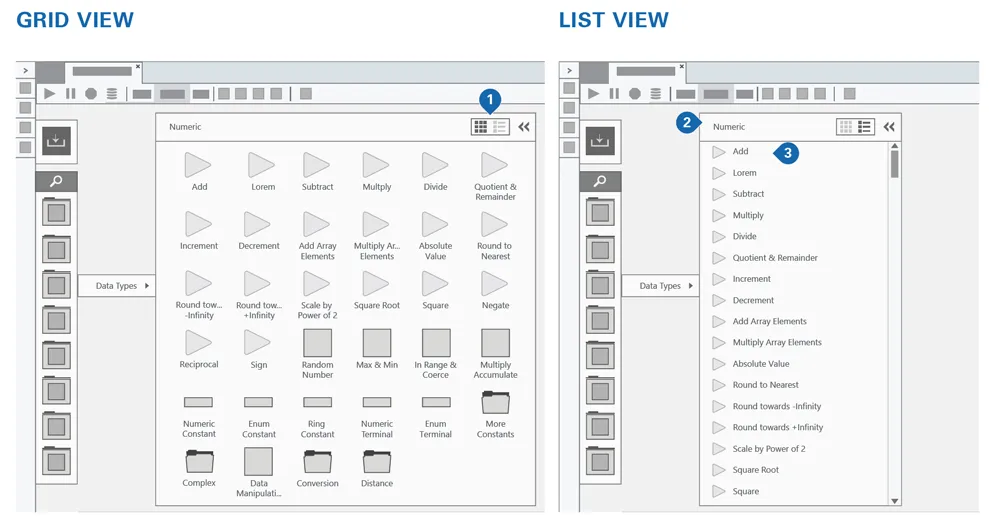
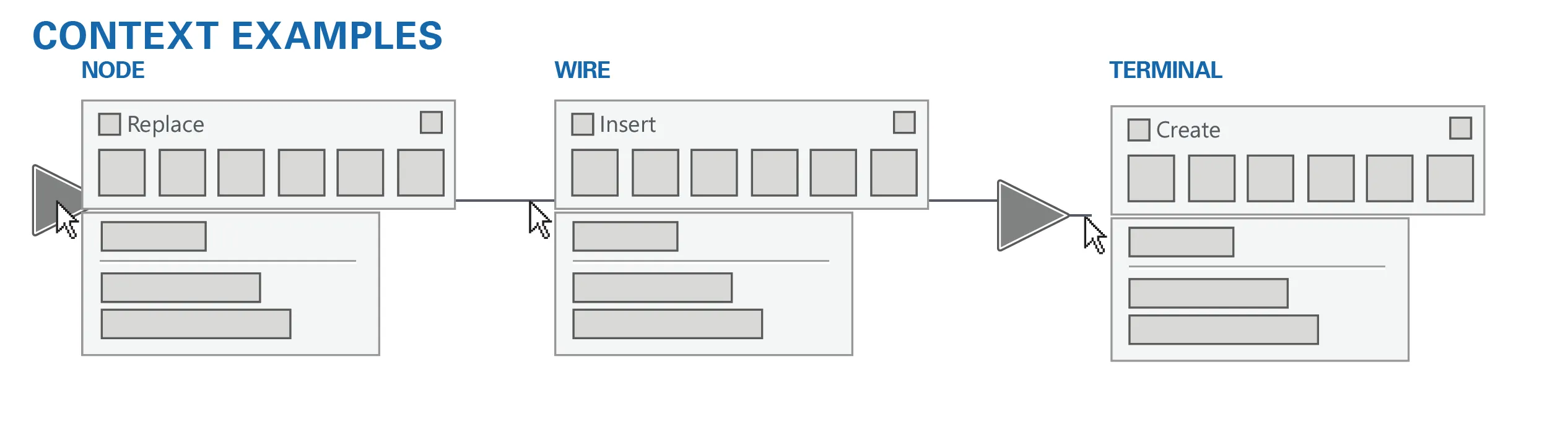
Feature Evolution Examples
List view
Contextual palettes
Multi-select